Designing AI-Native Interfaces: Patterns Beyond the Chatbox
The chat bubble is the iframe of the AI era — useful, lazy, and rarely the right answer.
Slapping a chat panel on every product is the 2026 equivalent of putting a hamburger menu on every page. AI-enhanced UX design -native design starts when the model disappears into the workflow instead of demanding its own room.
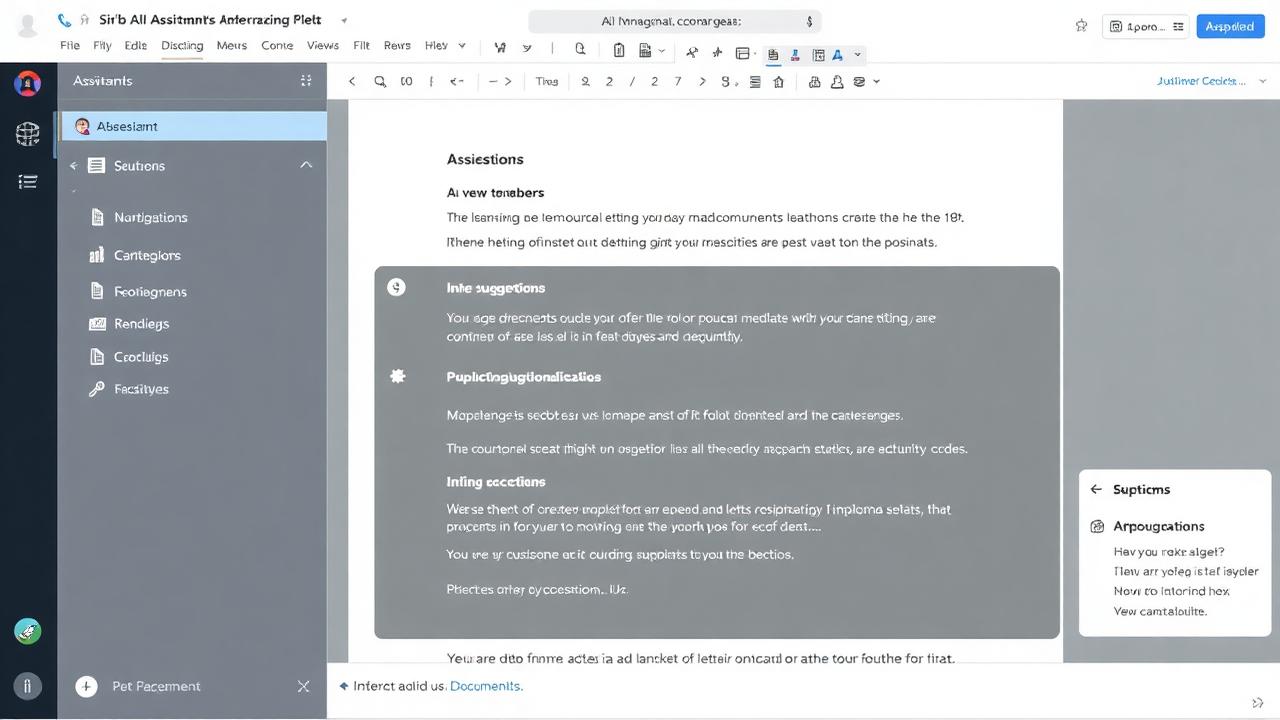
Inline over modal
Suggestions that appear next to the cursor outperform suggestions hidden behind a button — every time we have tested it. Reduce the distance between intent and answer.
Generative surfaces
Instead of a fixed UI, let the model assemble the surface — cards, forms, tables — based on what the user just asked. This is harder to design but is where the real differentiation lives.
Confidence as a first-class element
Every AI output should ship with a visible signal of how much to trust it. A subtle bar, a citation, a "regenerate" affordance — pick one and use it consistently.
Related UX Design Articles
Why Your Beautiful Interface Doesn't Convert
A gorgeous design that doesn't drive user action is just expensive decoration. Here's how to design interfaces that actually get results.
Learning AI Design with Claude: A Designer's Starter Kit
How to get from zero to shipping AI-assisted design work using Claude as your daily thinking partner.
Prompt Engineering for Designers: From Brief to Pixel
Prompts are the new design brief. Here is the structure that consistently turns a vague ask into usable output.