
From Figma to Production with AI: A Modern Designer's Stack
The handoff is dead. Here is the AI-assisted stack I use to ship designs straight into a live React app.
The classic handoff — designer ships a Figma file, dev rebuilds it from scratch — is the most expensive ritual in software. AI-enhanced UX design tools finally let designers close that loop themselves.
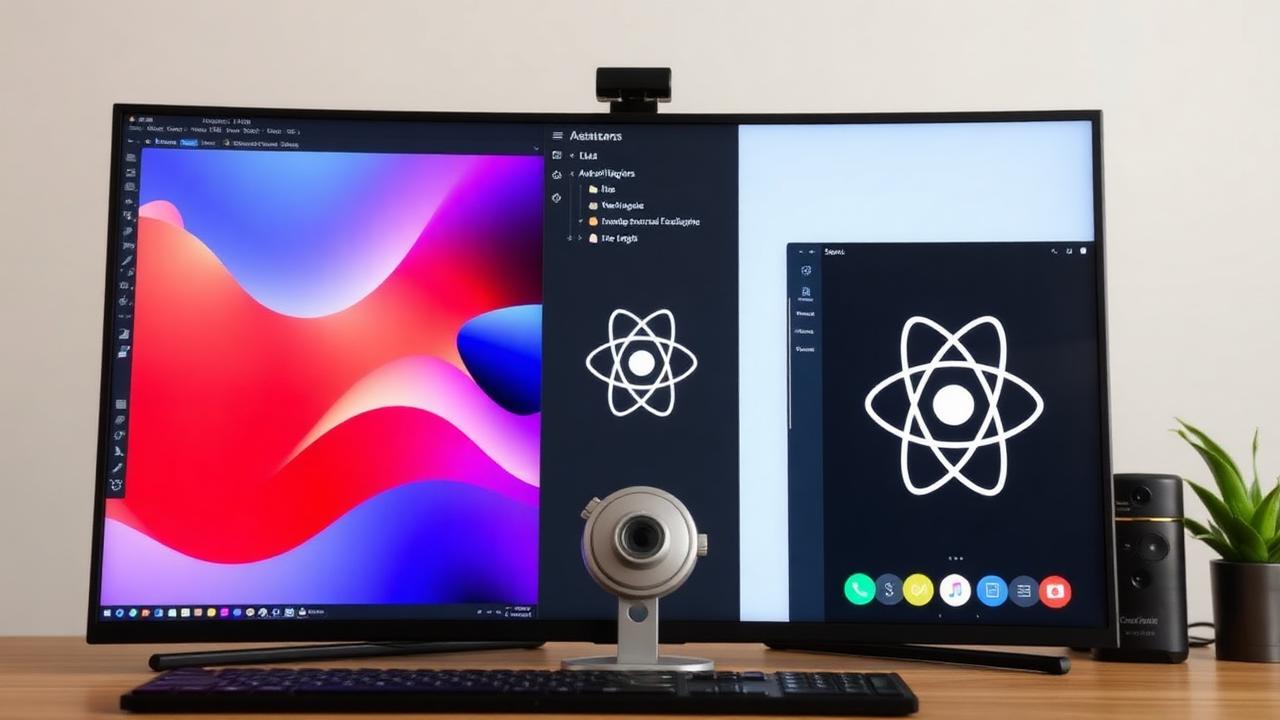
Design in Figma, structure for code
Name your layers like a developer would name building effective design systems . Auto-layout everything. The cleaner your file, the better AI translates it.
Translate with Lovable or v0
Drop the screenshot in, describe the behavior, and you get a React component you can edit in plain English. Treat the first pass as scaffolding, not the final product.
Iterate with Claude or Cursor
Refinements — accessibility, responsive states, animations — happen in conversation now. "Make the empty state friendlier" is a real instruction.
What you give up
You lose some of the engineering rigor a senior dev would catch. You gain the ability to ship a working version while the spec is still warm. For most products at most stages, that trade is worth it.
Related UX Design Articles
ChatGPT vs Claude vs Gemini for UX Workflows
I ran the same week of design work through all three. Here is where each one actually pulled its weight.
Learning AI Design with Claude: A Designer's Starter Kit
How to get from zero to shipping AI-assisted design work using Claude as your daily thinking partner.
Prompt Engineering for Designers: From Brief to Pixel
Prompts are the new design brief. Here is the structure that consistently turns a vague ask into usable output.