A Filter Nobody Opens Isn't a Feature
Some content is global, some is regional. Putting that in a filter menu means the one person who most needs it never sees it, because they never opened the menu.
I was building an internal knowledge portal from a client spec. Somewhere in the requirements was a line that looked routine: some documents apply globally, some apply only to the US.
The obvious way to build that is a filter. Add a region control to the search page, default it sensibly, done in an afternoon. I nearly did exactly that.
The Person Who Needs It Never Opens the Menu
Here's what stopped me. Think about who actually gets hurt by regional content being wrong. It isn't the person carefully working through search filters. That person is already being deliberate, and they'll spot the mismatch.
It's the person who got a link in Slack. They click it, they land on a document, they read it, they follow it. They never touched search. A filter on the search page does nothing for them at all, because they never went near it.
So the thing I'd have shipped would have protected the users who needed it least, and left the ones who needed it most exactly where they started. It would also have looked complete on a requirements checklist, which is the part that bothers me.
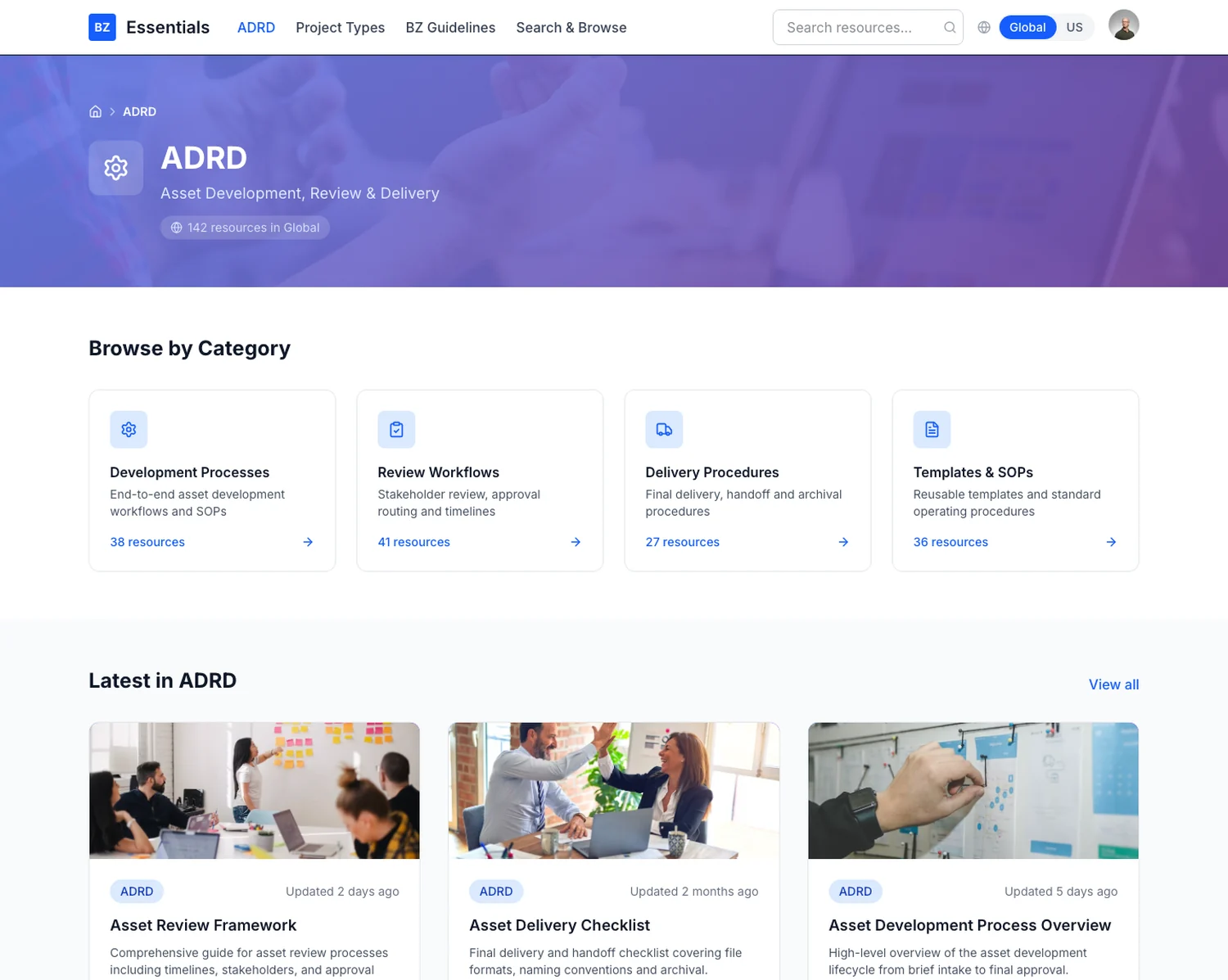 Every count on this page is computed through the region lens, so they change when you switch. A number that lies is worse than no number.
A Lens Instead
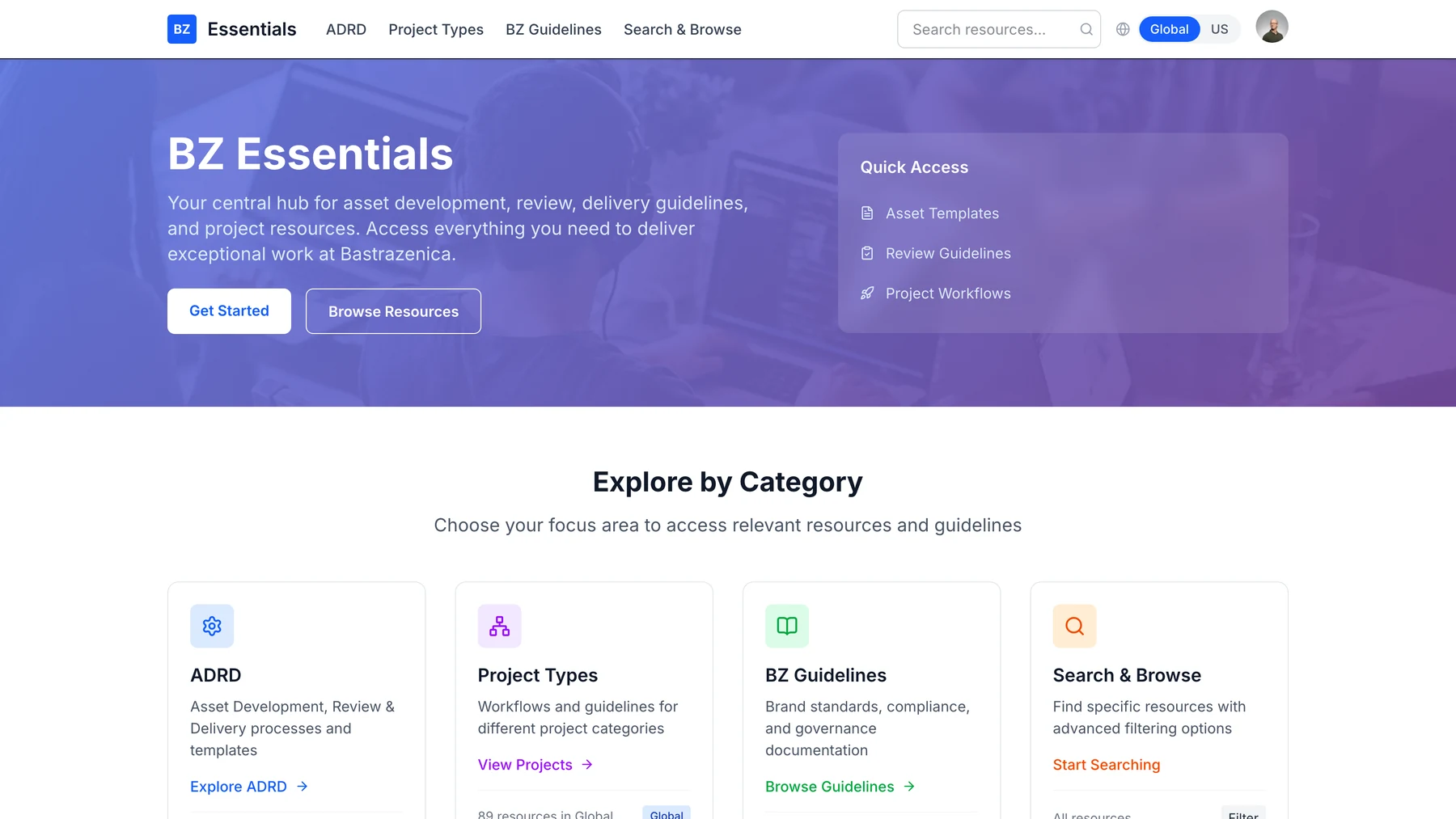
What I built instead is a lens over the whole application. You set your region once, in the header, and every surface reads through it: the counts on the category cards, the featured lists, the search results, the badge on an individual document. There's nowhere you can be where it isn't applied.
That's a small technical change. It's a context provider rather than a prop, and one function decides visibility. The design decision is where to put the control. Writing it is the easy half.
The Rule Is Where It Gets Interesting
The naive version of that function is an equality check: show this document if its region matches mine. Write that and switching to US empties most of the portal, because the bulk of the content is shared and shared content is tagged neither Global nor US.
So content gets three states, not two, and the rule reads: visible if it's tagged Both, or if it matches the region you're in. Now switching to US adds the US-specific material on top of everything shared, instead of hiding the portal. That's what people expect, and it's one clause different from the version that breaks.
I'd argue that's the whole shape of this kind of problem. The technical part is trivial and the two versions look nearly identical in a diff. One of them makes the product feel broken, and you only find out which by using it as somebody who doesn't already know where everything is.
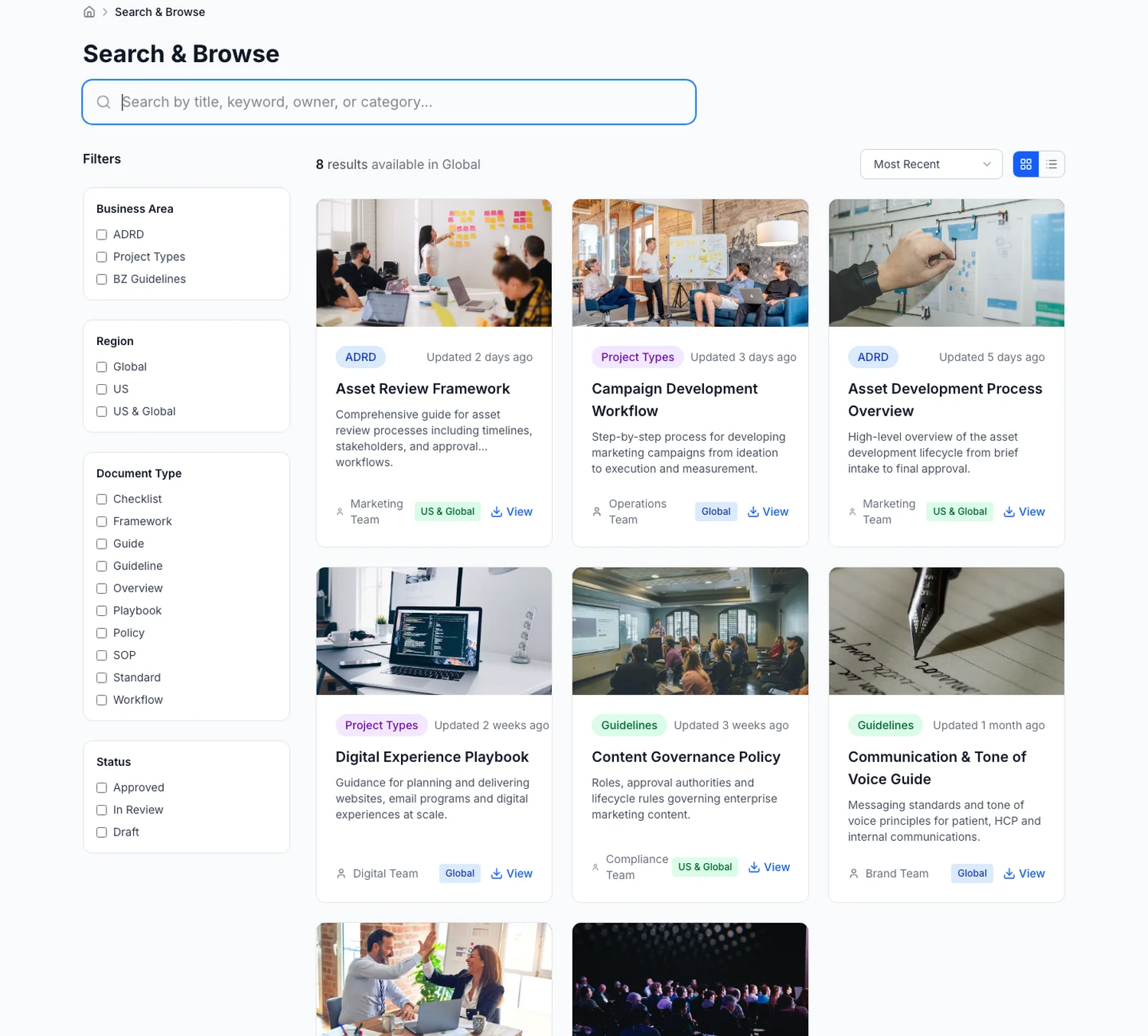 Search is where the filter would have lived. It's still here, for the people who came looking, which was never the group at risk.
What Transfers
Any time you're about to put a scoping control in a filter menu (region, permission, team, environment, tenant), ask who gets hurt when it's wrong, and then ask whether that person ever opens filters. If the answer is no, a filter isn't the feature. It's a place to put the feature so it looks handled.
The full build, including the information architecture and the building effective design systems it runs on, is written up in the BZ Essentials what a portfolio proves now .
Related UX Design Articles
Why Enterprise Tools Lose to Excel
Your real competitor is not the other vendor in the bake-off. It is a spreadsheet one person built, everyone trusts, and nobody can be forced to abandon.
Learning AI Design with Claude: A Designer's Starter Kit
How to get from zero to shipping AI-assisted design work using Claude as your daily thinking partner.
Prompt Engineering for Designers: From Brief to Pixel
Prompts are the new design brief. Here is the structure that consistently turns a vague ask into usable output.